



RecoveryRobot® Data Recovery Software
Data Recovery Software for Windows – Recover Lost Files Yourself
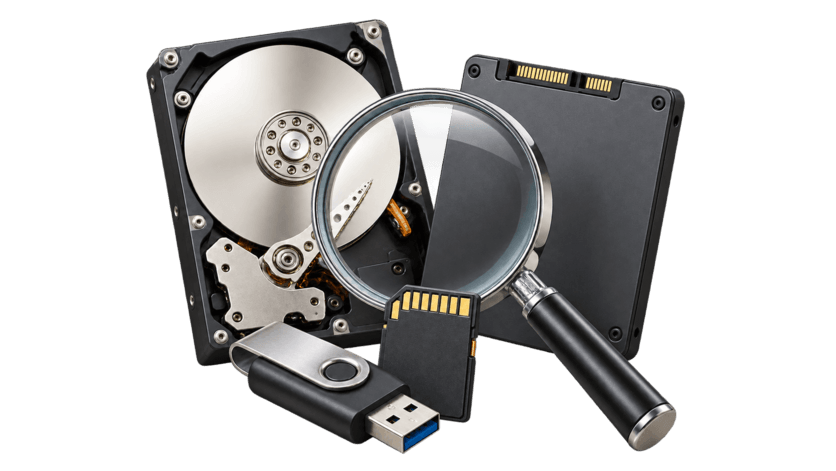
Recover deleted, formatted, lost, or inaccessible files from hard drives, SSDs, USB drives, SD cards, memory cards, and lost partitions.
RecoveryRobot provides Windows data recovery tools for different types of data loss—whether you need to recover a few deleted files, restore photos and videos, recover a formatted drive, or find data from a lost partition.
Free downloads available for Windows · Scan your storage device before deciding what to recover
What Happened to Your Data?
Start with the problem you are facing. We’ll help you find the most suitable recovery option.
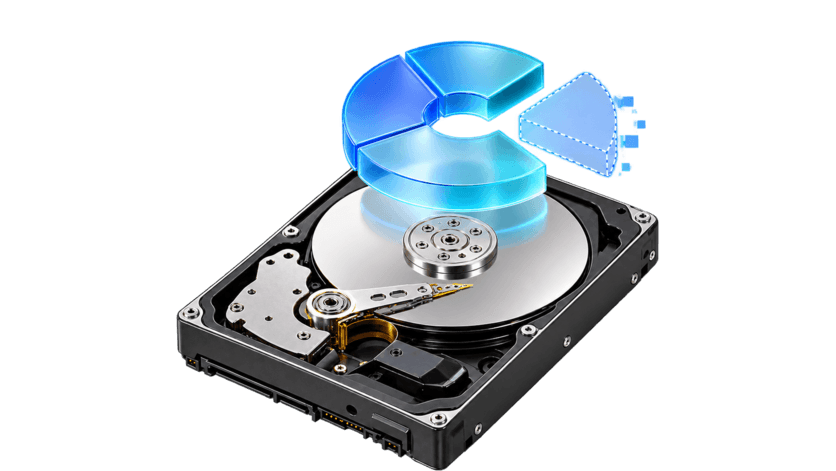
A Partition Disappeared
A partition was deleted, lost, or no longer appears where expected.
Where Was Your Data Stored?
Choose the storage device where your files were lost to find the most relevant recovery solution.
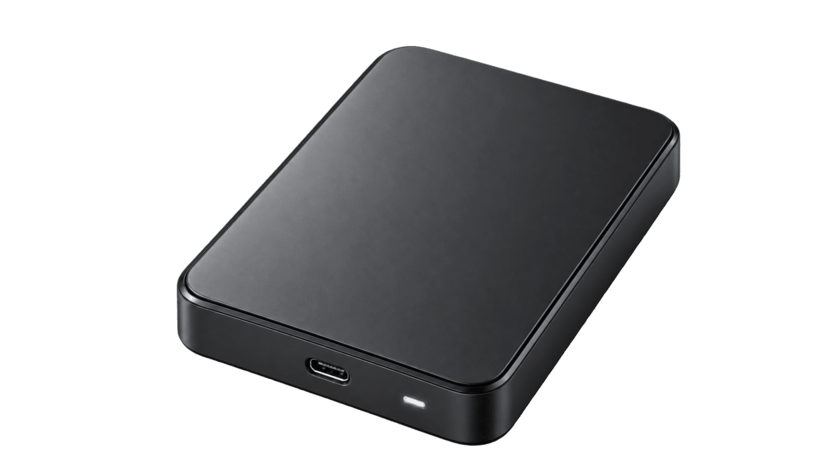
Hard Drive
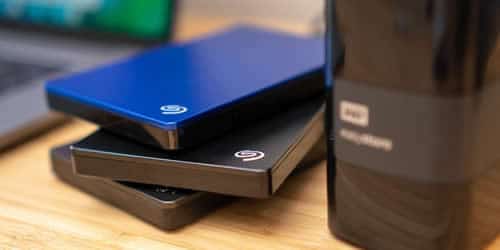
Recover deleted, formatted, lost, or inaccessible files from internal and external hard drives.
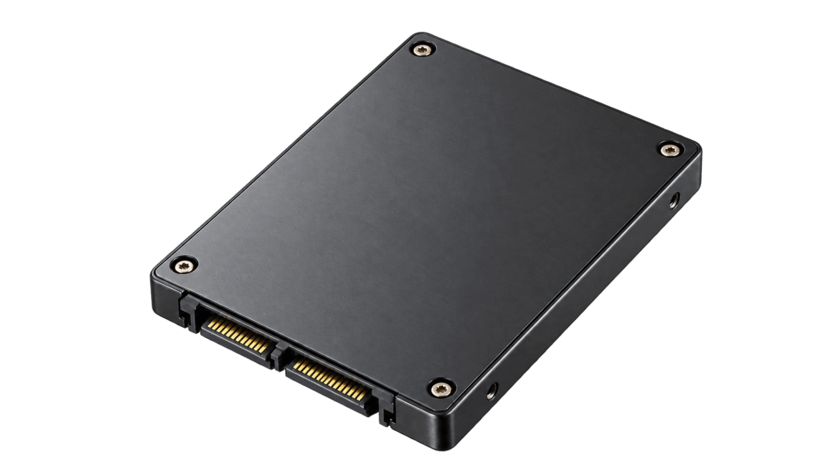
SSD
Recover files from supported SSD data-loss situations, including accidental deletion, formatting, and lost partitions.
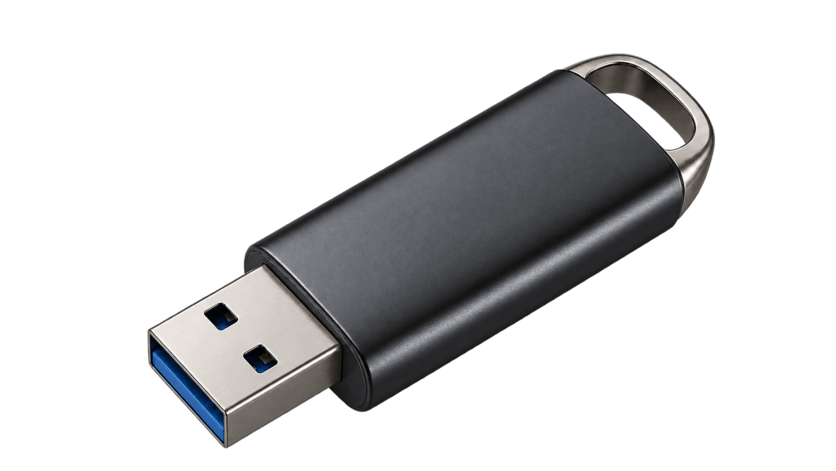
USB Flash Drive
Recover files from USB flash drives, pen drives, and other removable USB storage devices.
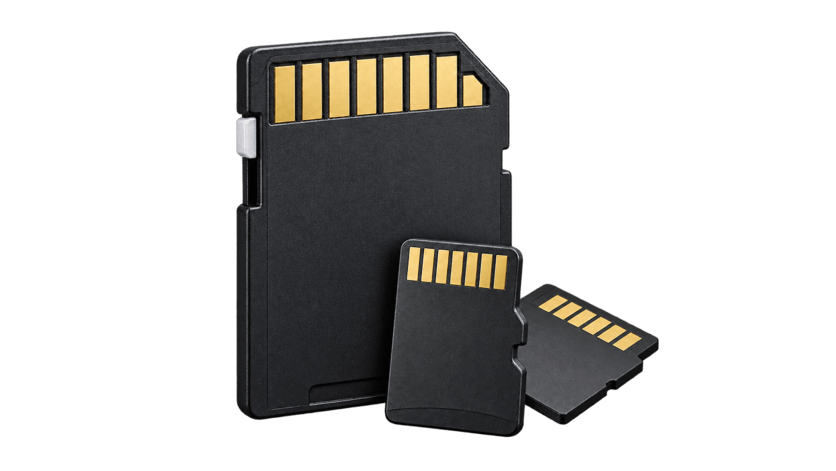
SD & Memory Card
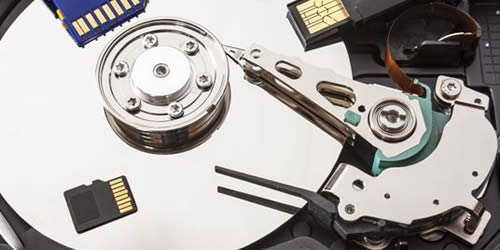
Recover photos, videos, and files from SD cards, microSD cards, CompactFlash cards, and other memory cards.
Lost or Deleted Partition
Recover data from partitions that were accidentally deleted, formatted, or no longer appear normally in Windows.
Not Sure Which Device or Solution?
If you are unsure which recovery option matches your situation, start with the type of data loss rather than the device.
Choose the Right RecoveryRobot
Different data-loss situations may call for different recovery tools. Choose the RecoveryRobot product that best matches what you need to recover.
RecoveryRobot Pro
For users who want one comprehensive data recovery tool for multiple storage devices and data-loss situations.
Recover deleted files, formatted data, lost partitions, photos, videos, and files from HDDs, SSDs, USB drives, and memory cards.
RecoveryRobot Undelete
For accidentally deleted files, including files removed with Shift+Delete or after emptying the Recycle Bin.
RecoveryRobot Photo Recovery
For lost or deleted photos, videos, and audio files from cameras, memory cards, drives, and other storage devices.
RecoveryRobot Hard Drive Recovery
For deleted, formatted, or inaccessible files on internal and external hard drives.
RecoveryRobot Memory Card Recovery
For photos, videos, and files lost from SD cards, microSD cards, CompactFlash cards, and other memory cards.
RecoveryRobot Partition Recovery
For files stored on partitions that were deleted, formatted, lost, or no longer appear normally in Windows.
Can Data Recovery Software Help Recover Your Files?
Data recovery software is most useful when the storage device is still detected by Windows but your files are deleted, formatted, lost, or inaccessible.
Good Candidates for Software Recovery
Recovery software may help if:
- Files were accidentally deleted
- A drive, USB, or memory card was formatted
- A partition was lost or deleted
- The file system became RAW or inaccessible
- Windows can detect the storage device but cannot open it normally
- Photos, videos, or documents have disappeared
When Software May Not Be Enough
Professional recovery may be required if:
- The storage device is not detected by Windows at all
- The drive has severe physical or electrical damage
- The device repeatedly disconnects or reports an incorrect capacity
- The storage controller or memory hardware has failed
If Windows can still detect the storage device, a software scan is often a sensible first step before attempting repairs or formatting.
Why Choose RecoveryRobot?
RecoveryRobot gives you different ways to approach data loss; whether you need a focused recovery tool or one solution for several types of storage devices.
Start with a Scan
Check whether your files can be found before deciding what to recover or whether you need a paid version.
Recover from Common Storage Devices
RecoveryRobot supports recovery from hard drives, SSDs, USB drives, SD cards, memory cards, and other supported storage devices.
Choose the Tool That Fits
Use a specialized recovery tool for deleted files, photos, memory cards, hard drives, or partitions—or choose RecoveryRobot Pro for broader recovery needs.
Built for Windows Data Recovery
RecoveryRobot provides Windows-focused recovery software for common data-loss situations such as deletion, formatting, lost partitions, and inaccessible storage.
1,000,000+ Users and Counting
RecoveryRobot has helped more than 1 millionusers recover important files, photos, videos, and other data from a wide range of storage devices. Read experiences shared by RecoveryRobot users and see how the software has helped in different data-loss situations.
this programm is perfect it saved my life and my memos
I have used this Application since last 4-5 years Multiple time. The results are amazing and recovered all data up to 80-85% accuracy. Highly recommended this Application to all users
really its a great programm it solved all the problems that i had when i deleted all my information and photos and memos
I have used this recovery program several times now, and I can truly say that it has saved me many hours of hard work that I would have had to start over and do again.
Excellent app for recovering lost images from a compact flash. It’s the best app.
Data recovery software scans a storage device for files that are no longer accessible through Windows, such as files that were deleted, lost after formatting, or stored on a damaged file system.
Sometimes. If the deleted file’s data has not been overwritten, recovery software may still be able to find and recover it. The chances decrease as new data is written to the same storage device.
In many cases, yes. Formatting does not always immediately erase all file data. Recovery depends on the type of formatting, the storage device, and whether new data has overwritten the original files.
Yes. RecoveryRobot provides recovery options for hard drives, SSDs, USB flash drives, SD cards, memory cards, and other supported storage devices.
Stop saving new files to the affected storage device. Continued use can overwrite data that might otherwise be recoverable.
RecoveryRobot products can be downloaded and used to scan supported storage devices so you can check what files may be recoverable before deciding whether you need the full version.
Usually not. If a drive is not detected, makes unusual noises, repeatedly disconnects, or has physical or electrical damage, professional data recovery may be more appropriate than software.
It depends on what happened and where the data was stored. You can choose a specialized tool for deleted files, photos, hard drives, memory cards, or partitions, or use RecoveryRobot Pro for broader recovery needs.